Go to login.navigate.uk.com
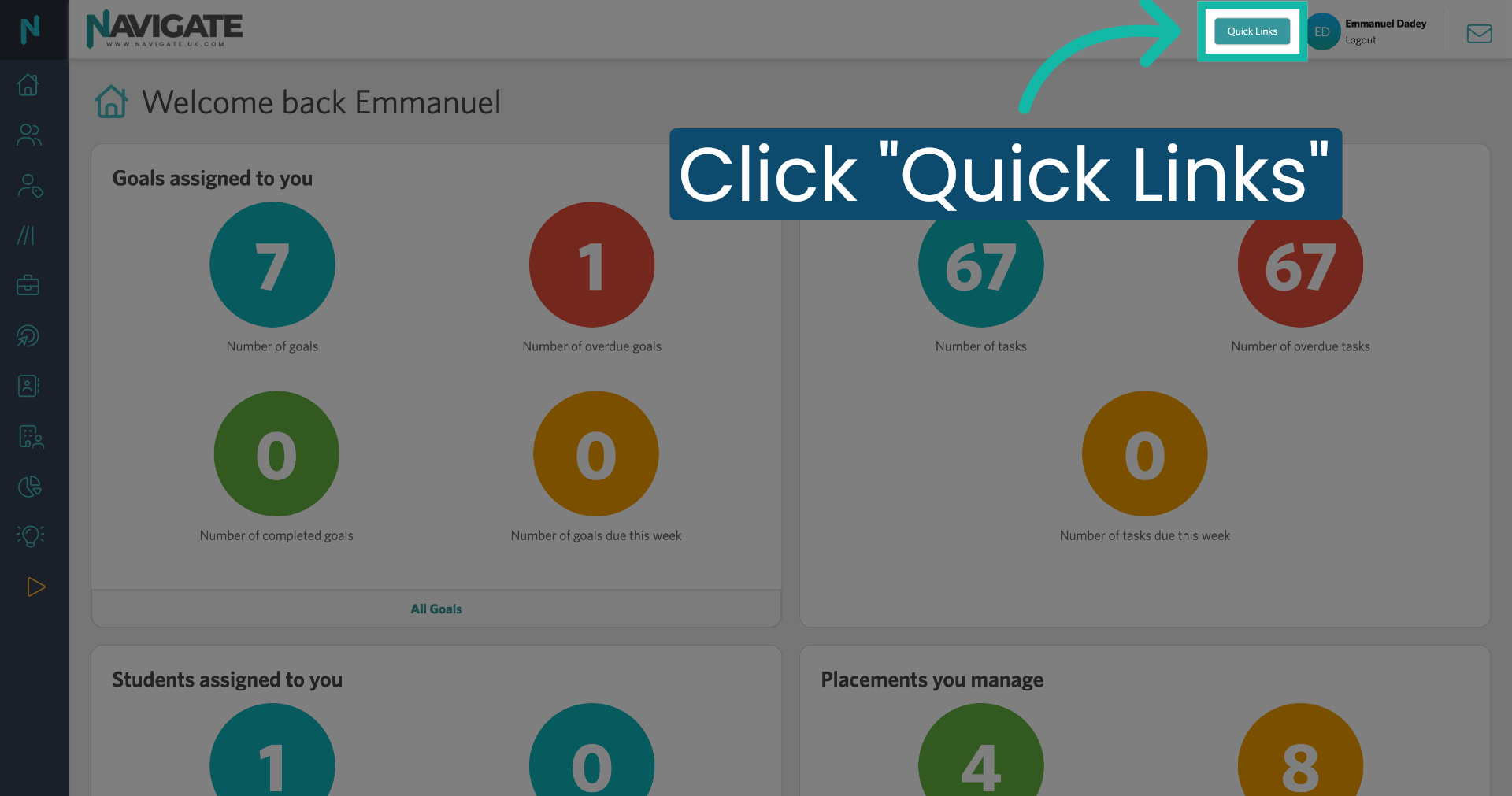
1. Open Quick Links Menu
Once logged in, click on the quick links menu.
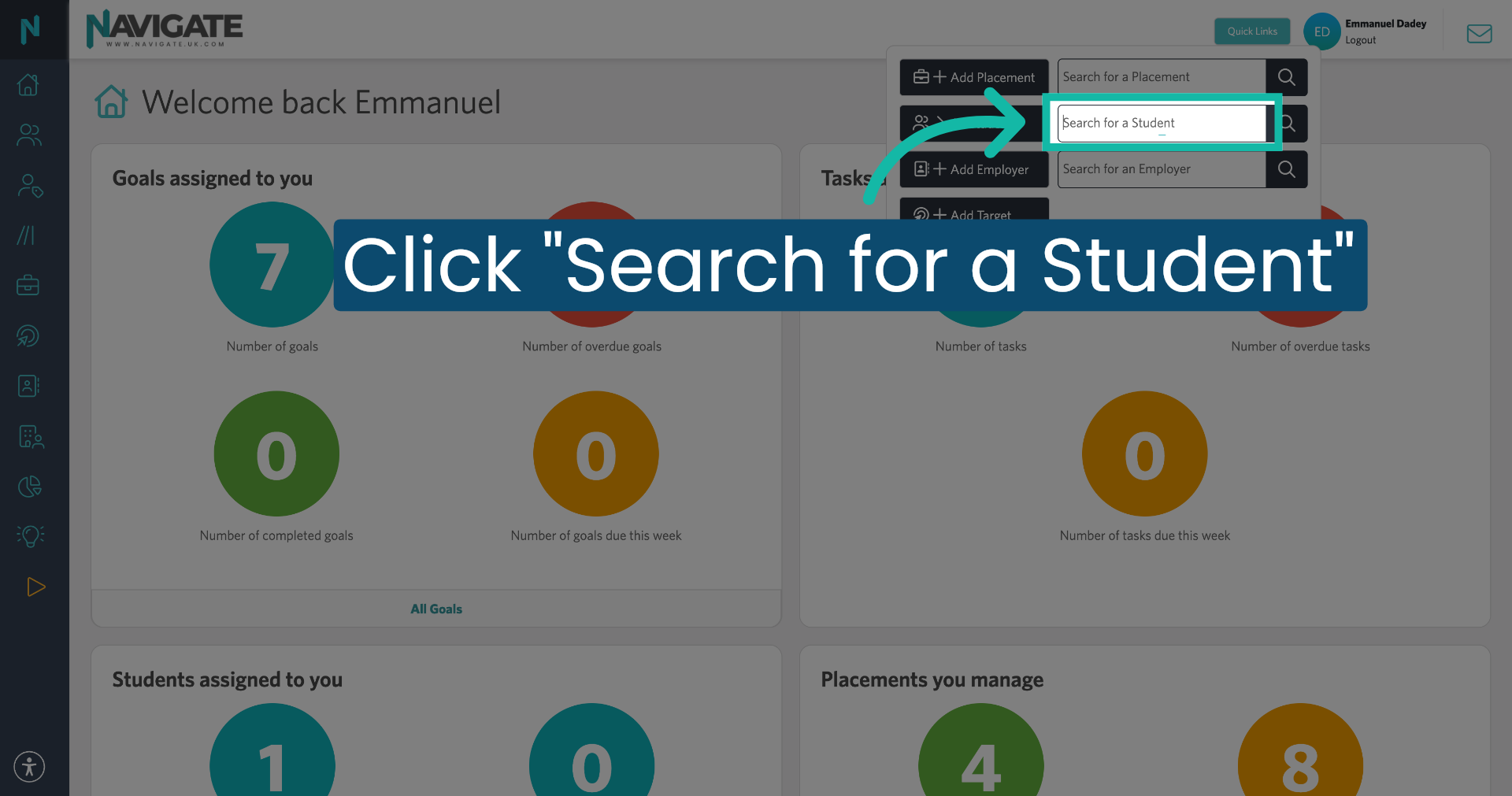
2. Select Search for a Student
Click search for a student.
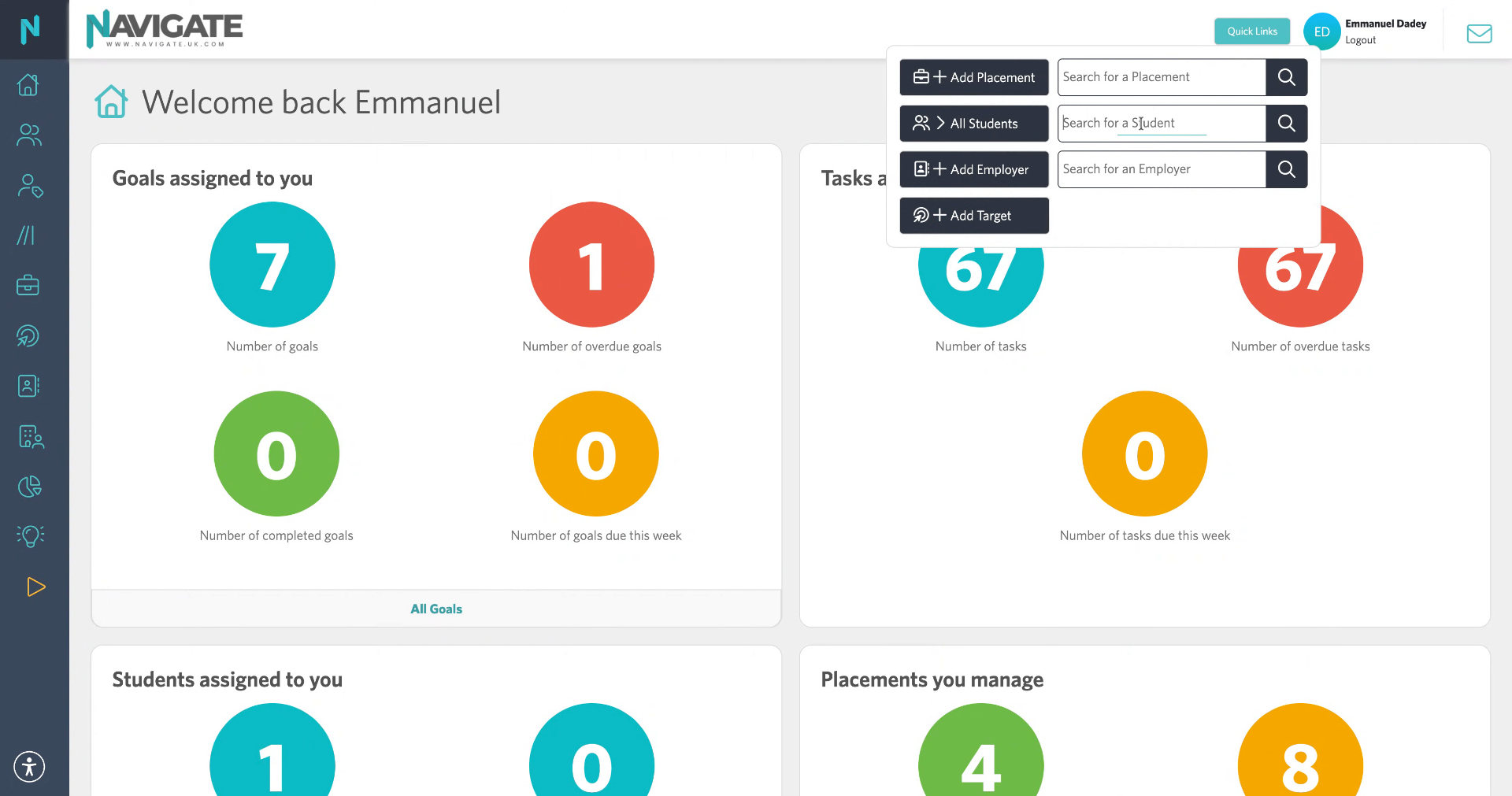
3. Enter Student Name
Enter the student's name in the search box.
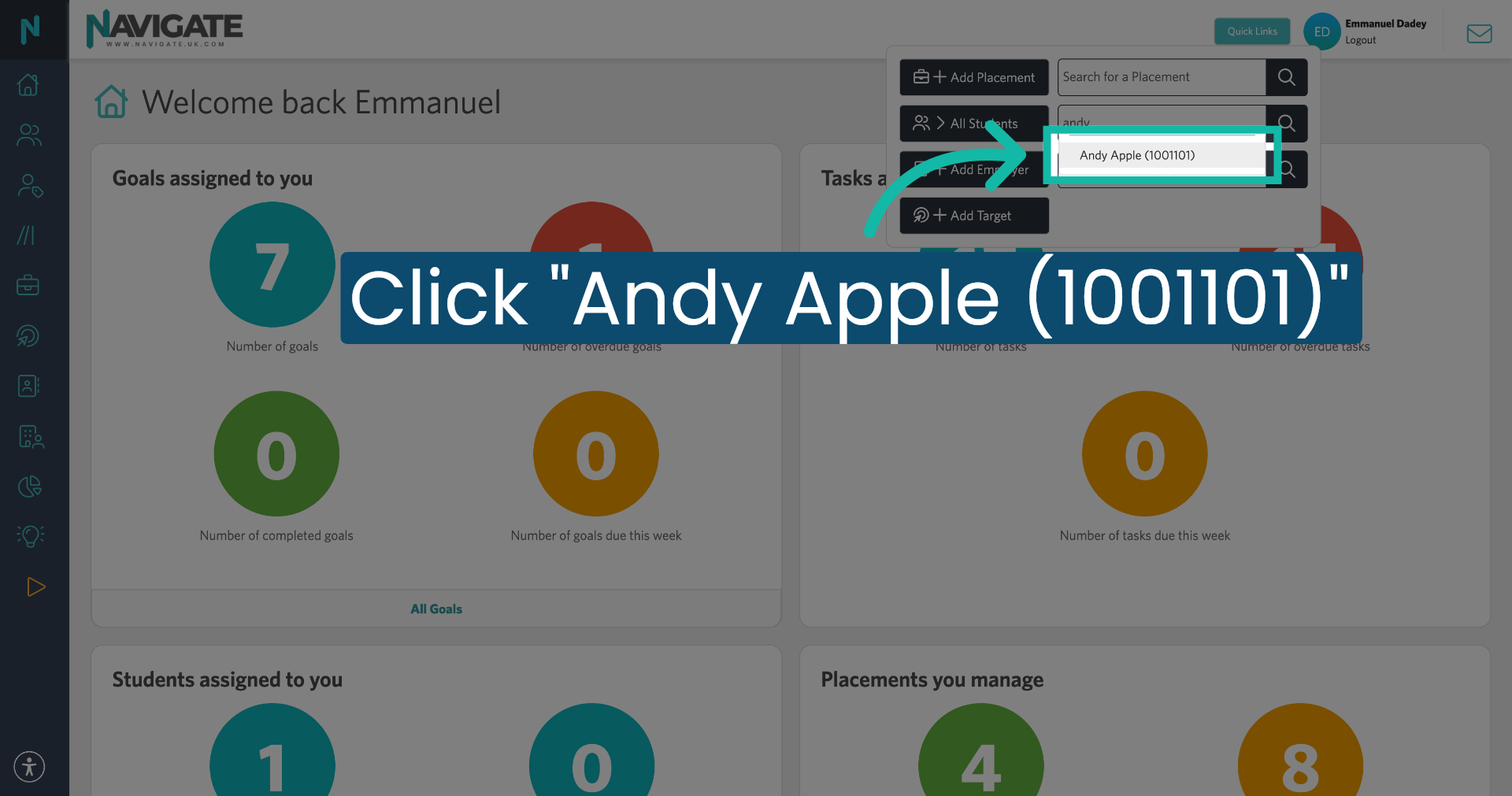
4. Select Student from Results
Select the student from the search results.
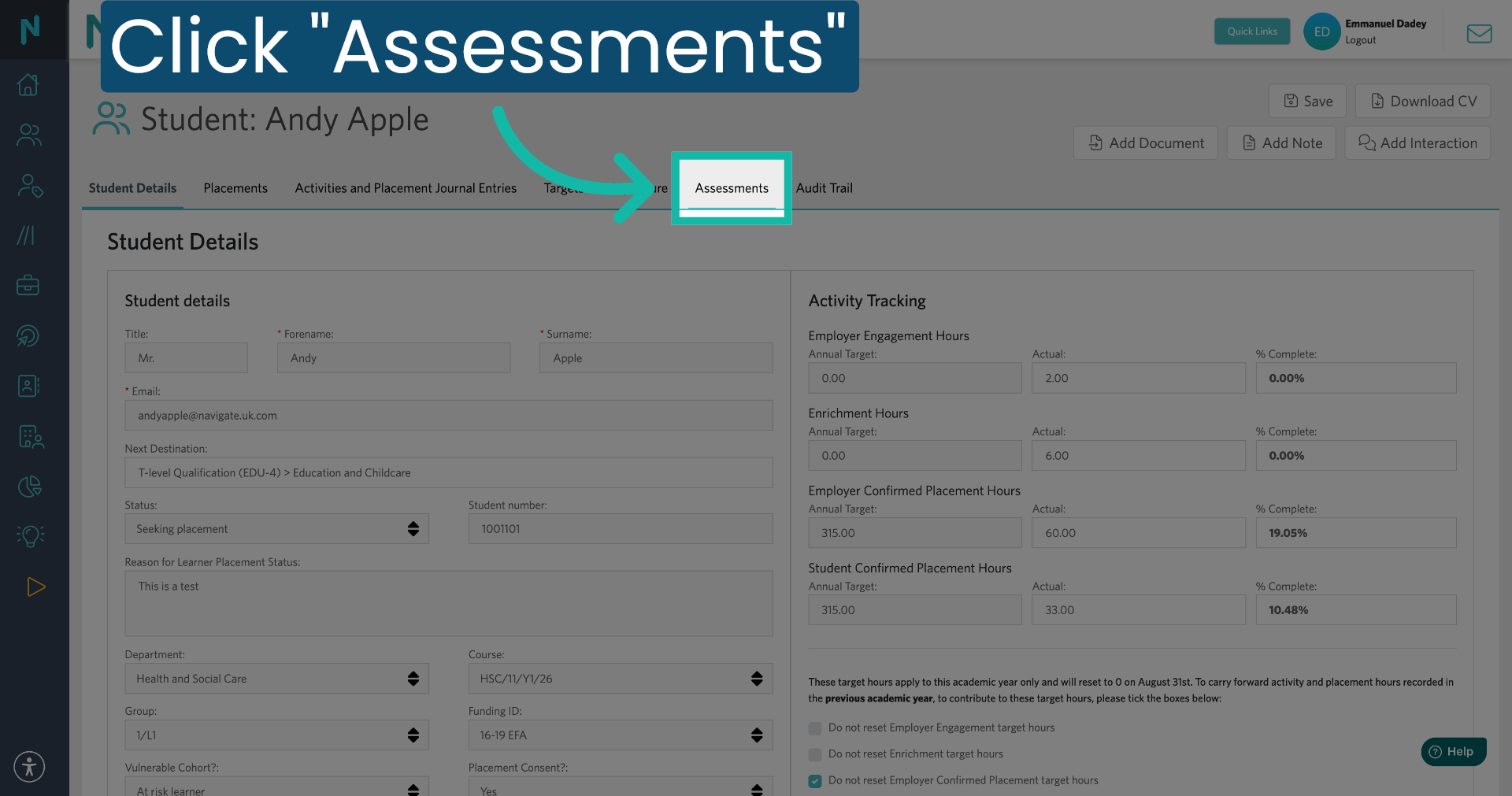
5. Click "Assessments" Tab
Click on the assessments tab to view all assessment-related information for the selected student.
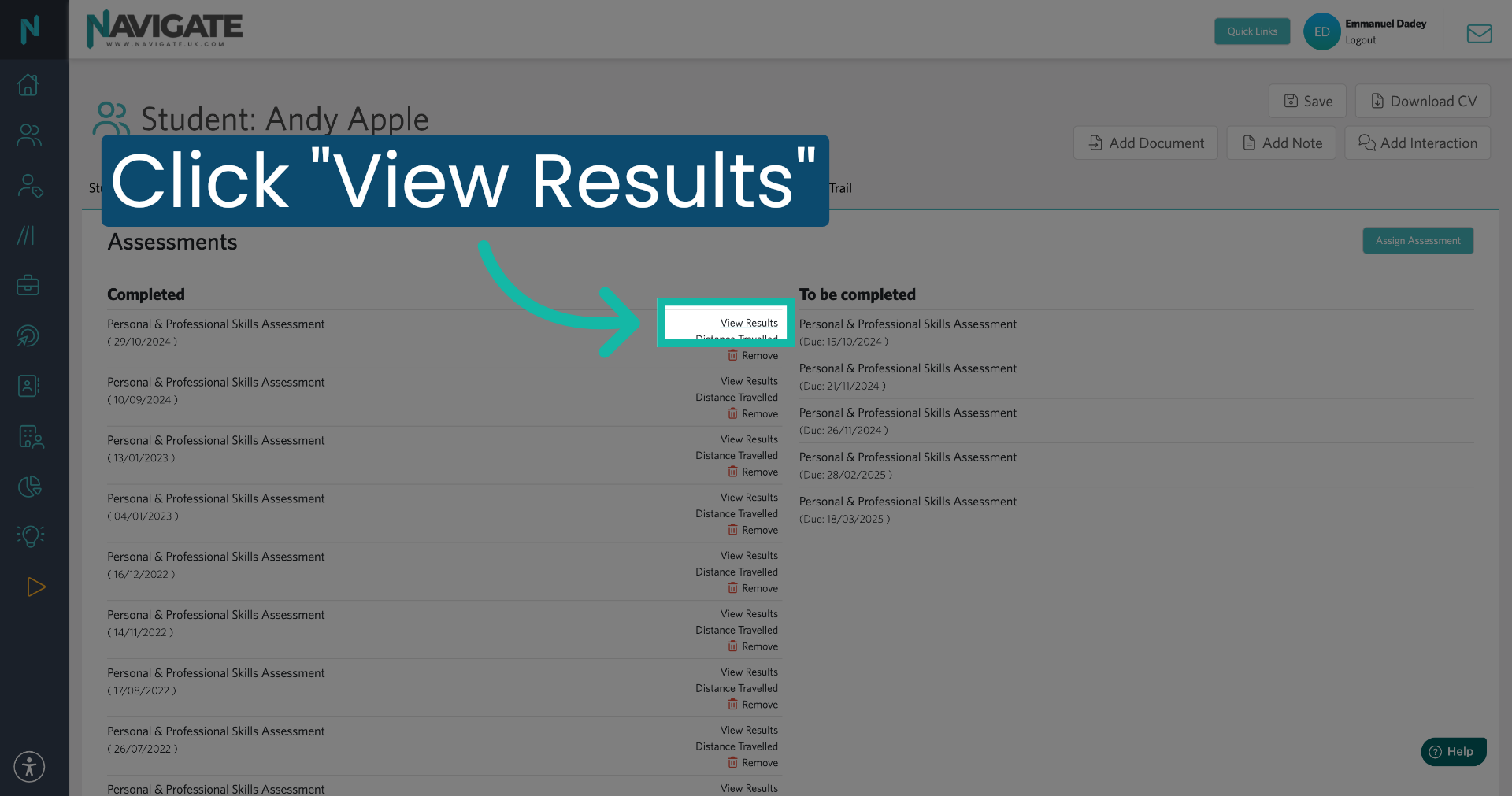
6. Click View Results Button
Then click 'View Results' to view the details of the students' assessments.
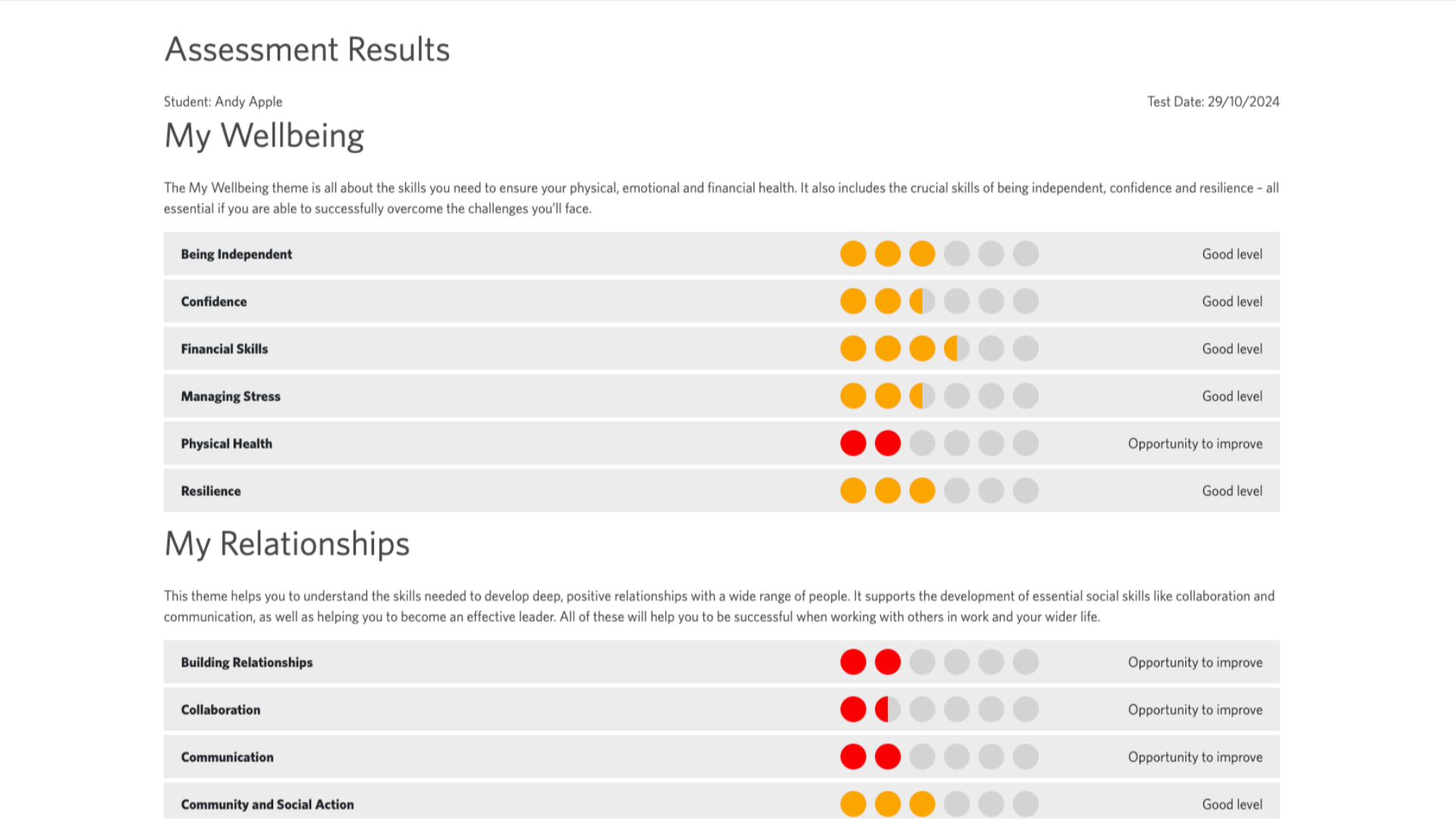
7. View Assessment Results
You can now see the results for the three areas. My well-being, My relationships and My future.
8. View Distance Travelled Data
To view the distance travelled results, click 'Distance travelled'.
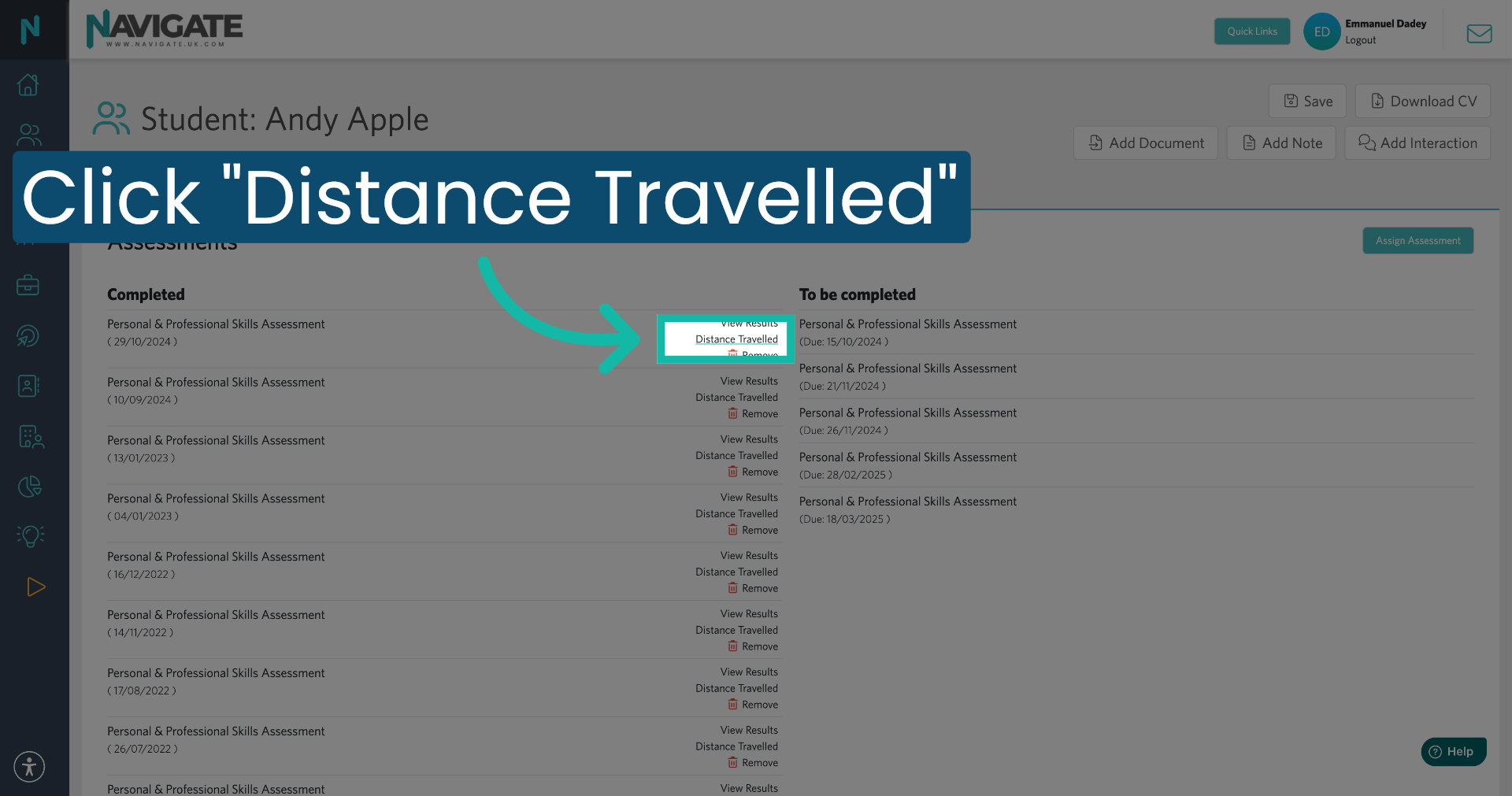
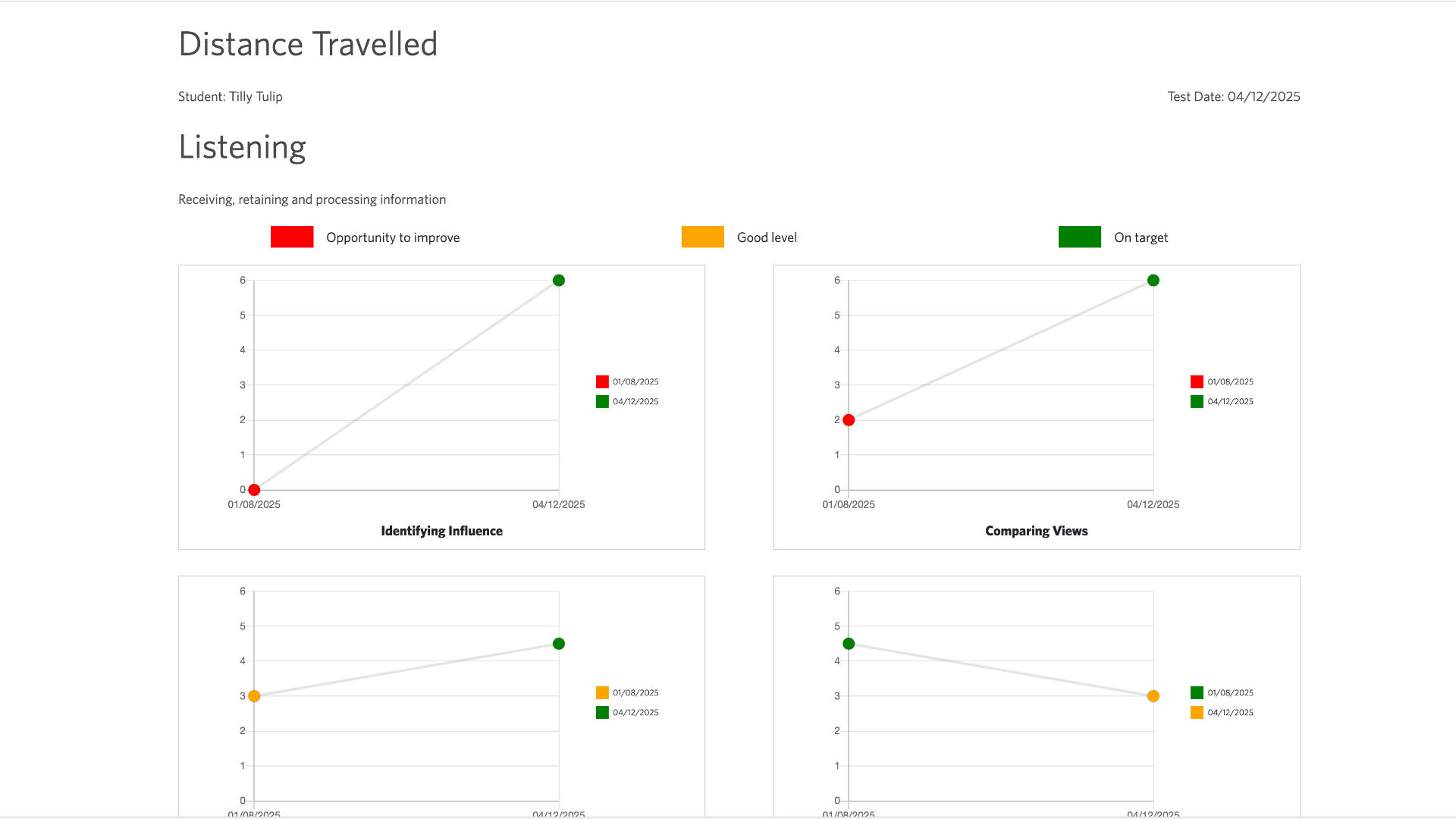
9. Distance Travelled
Here, you can see how the student has progressed between assessments in these areas.