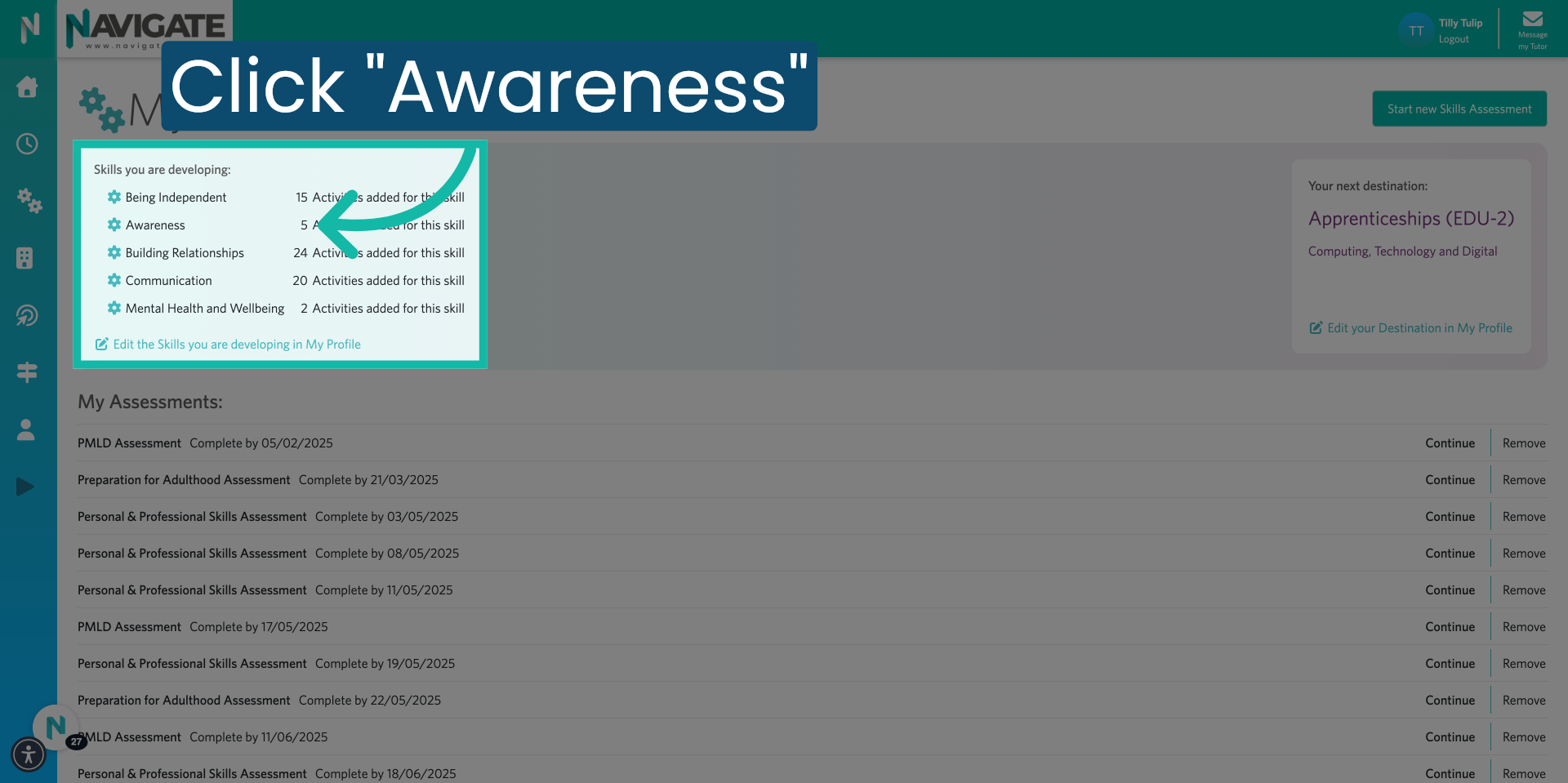
Go to login.navigate.uk.com
1. Click "Login using Microsoft"
Click login using Microsoft or Google.
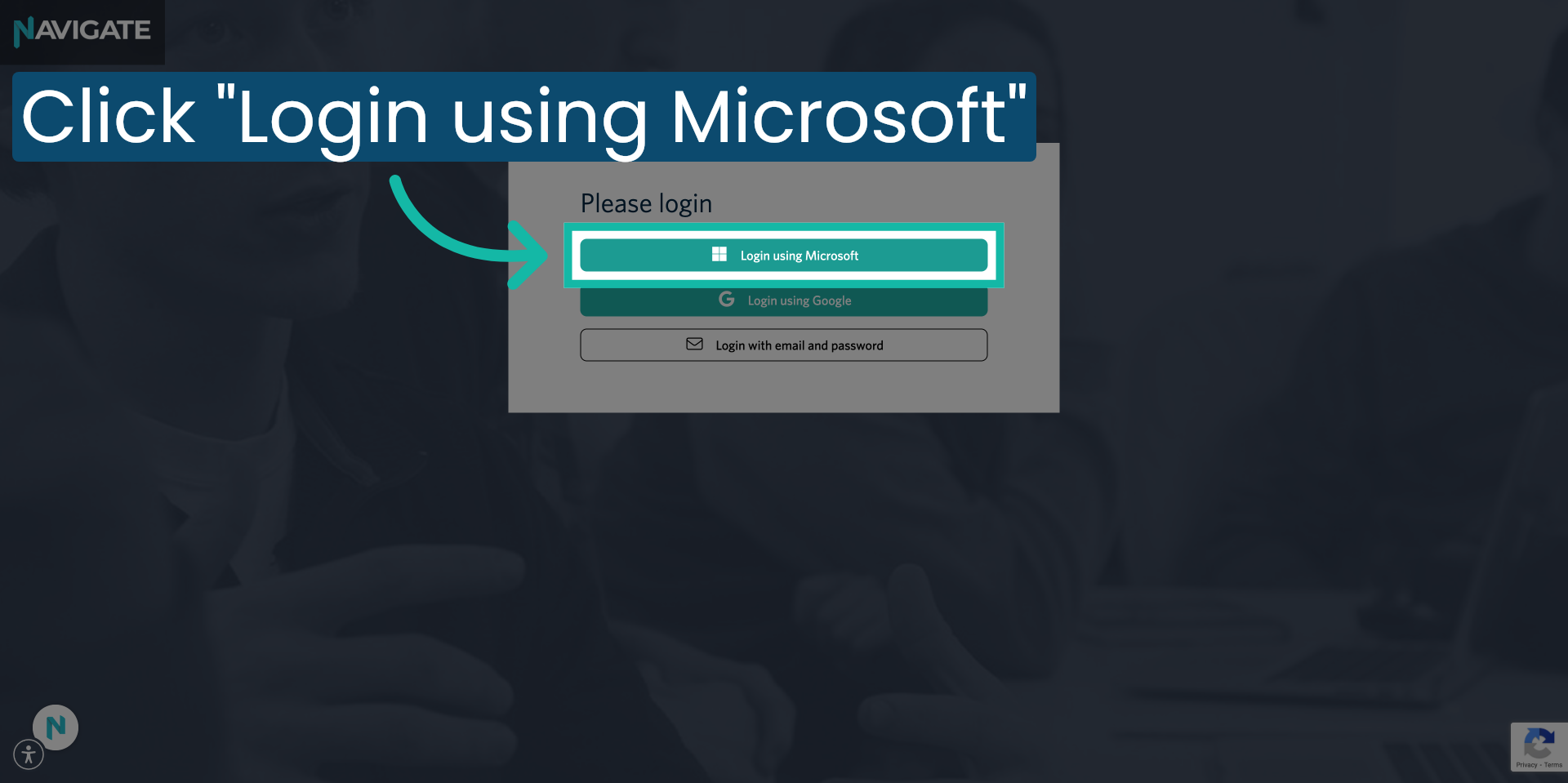
2. Click Skills
To view your skills focus list from your 'My Skills' module, click on the "Skills" menu.
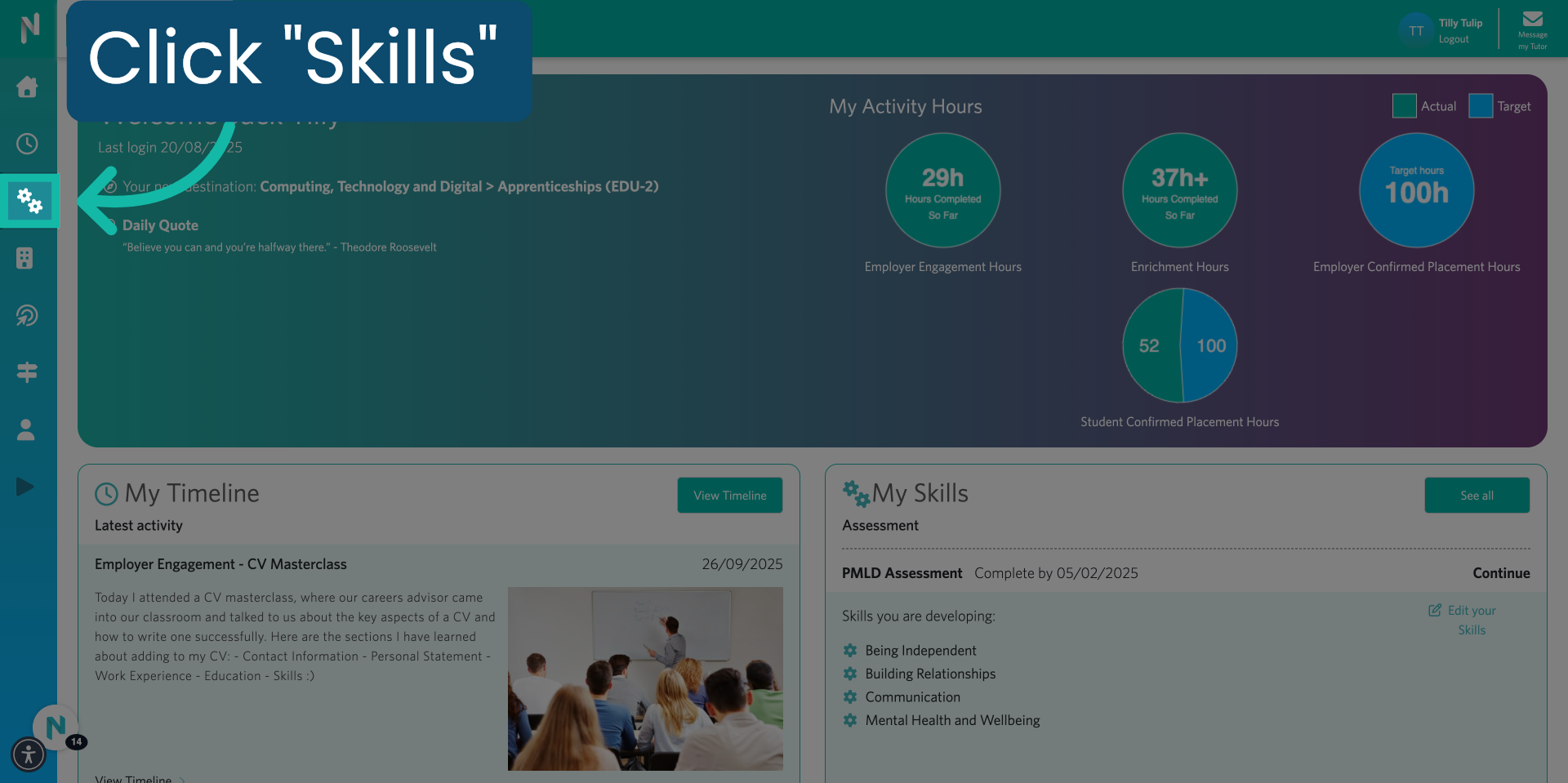
3. Skills You Are Developing
Your skills focus list is a list of skills that you have chosen to focus on developing throughout the academic year.
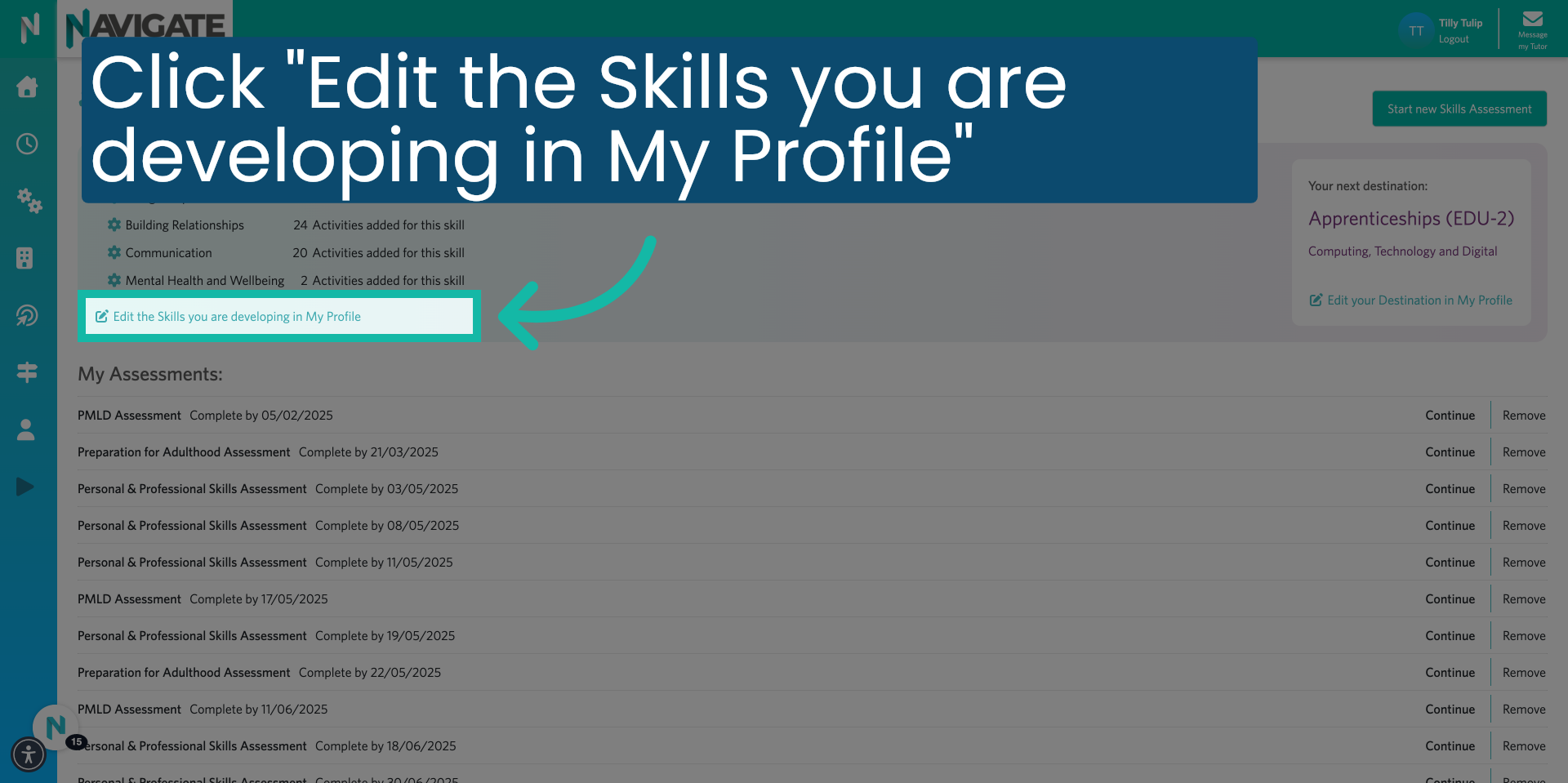
4. Click "Edit the Skills you are developing in My Profile"
Click on 'Edit the skills you are currently developing in your profile'.
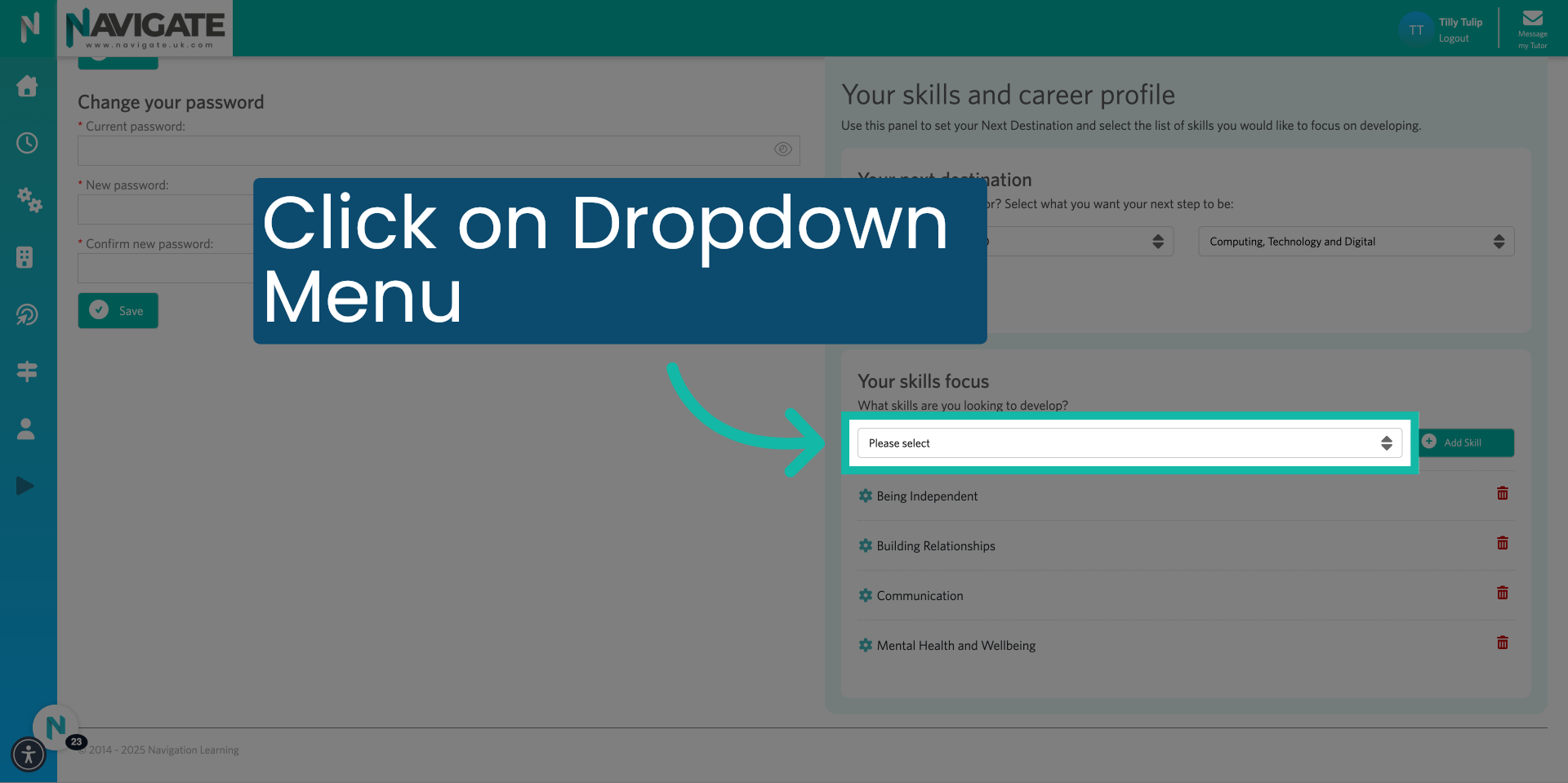
5. Click on the dropdown menu. "Please select."
Open the drop-down menu labelled 'Please select'. To view available skills you would like to add to your skill focus list.
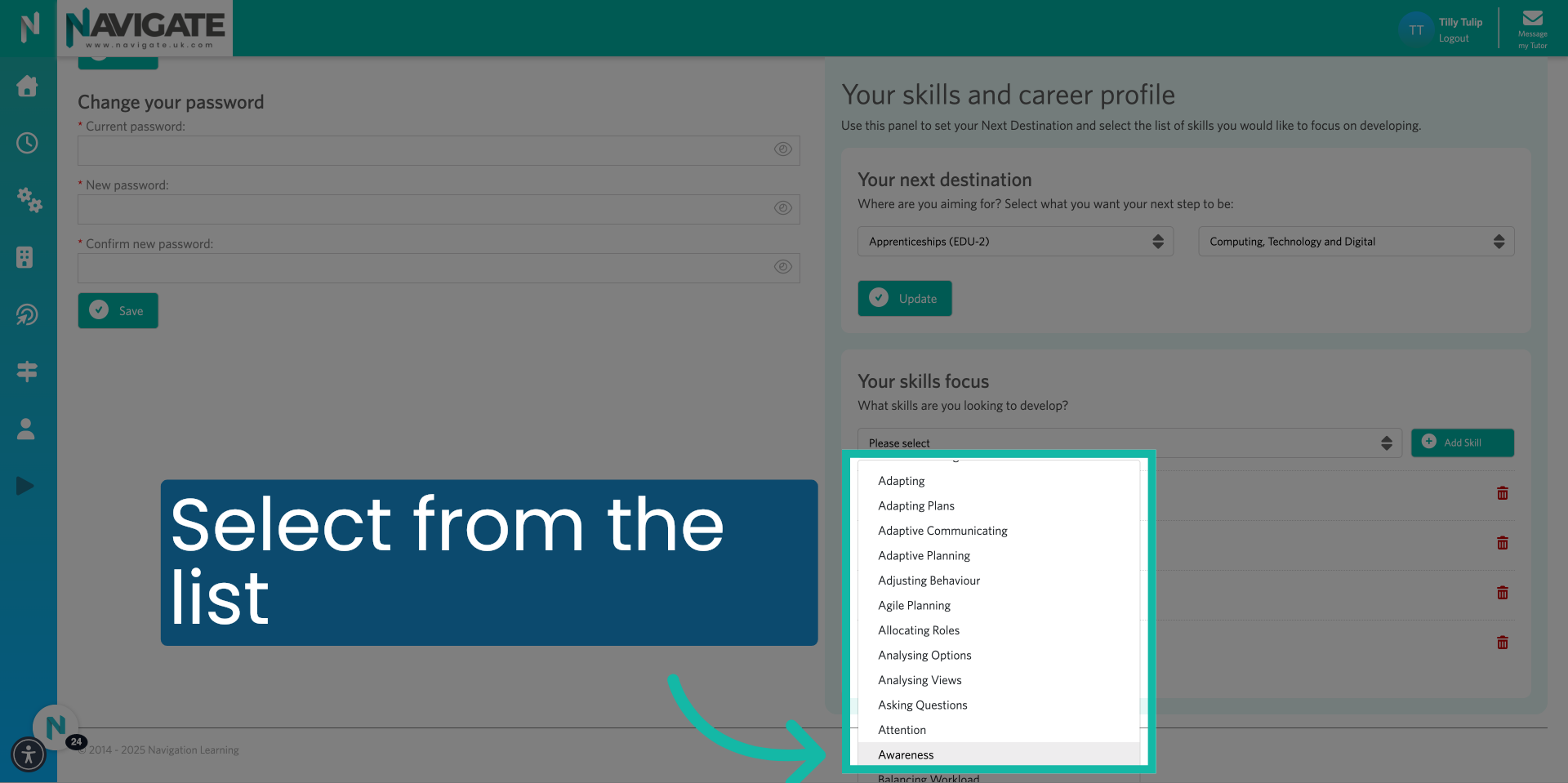
6. Select skill from the list
Select from the list to add it to your profile focus list.
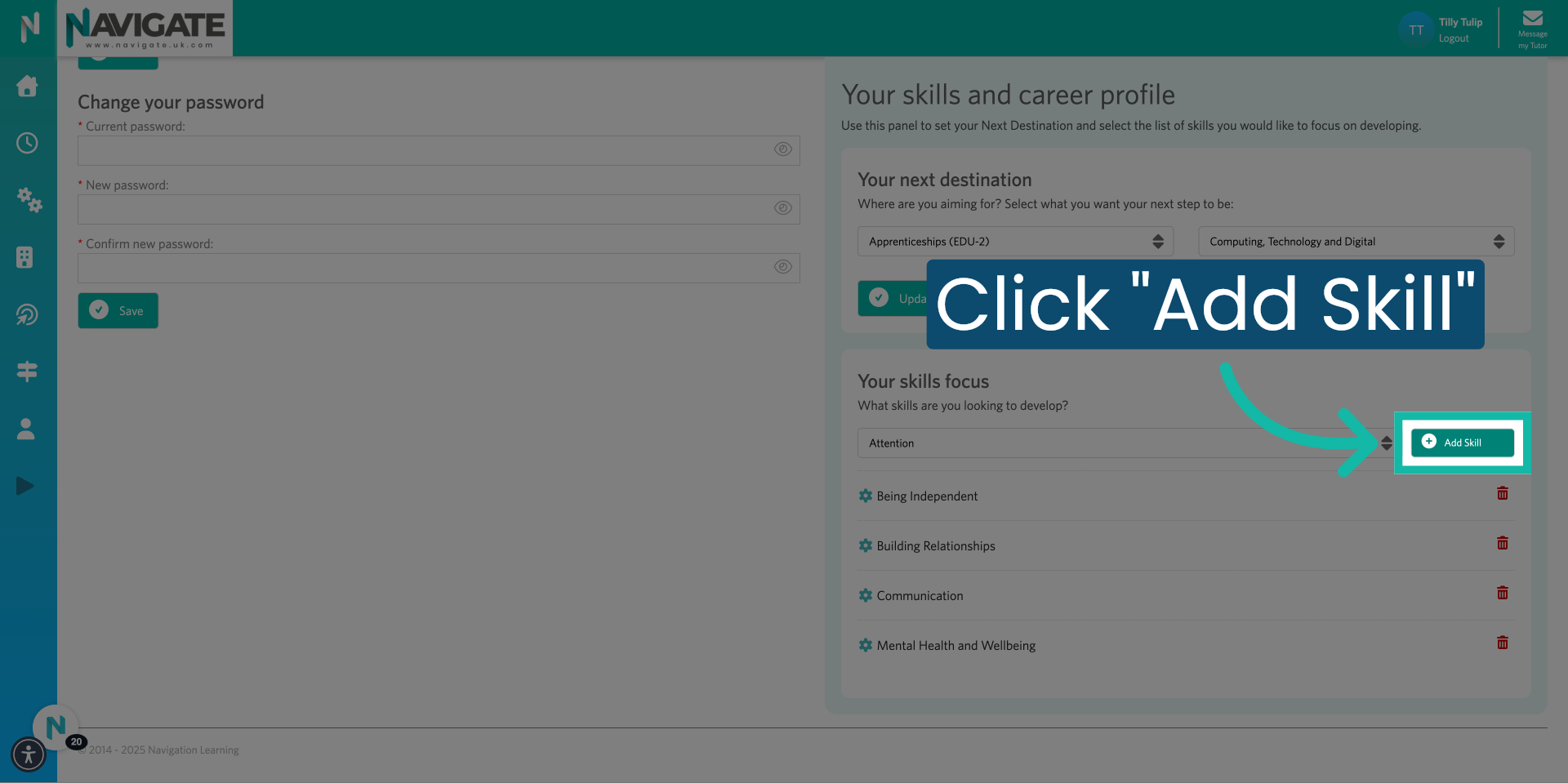
7. Click "Add Skill"
Click on 'Add skill' to include the selected skill category in your profile.
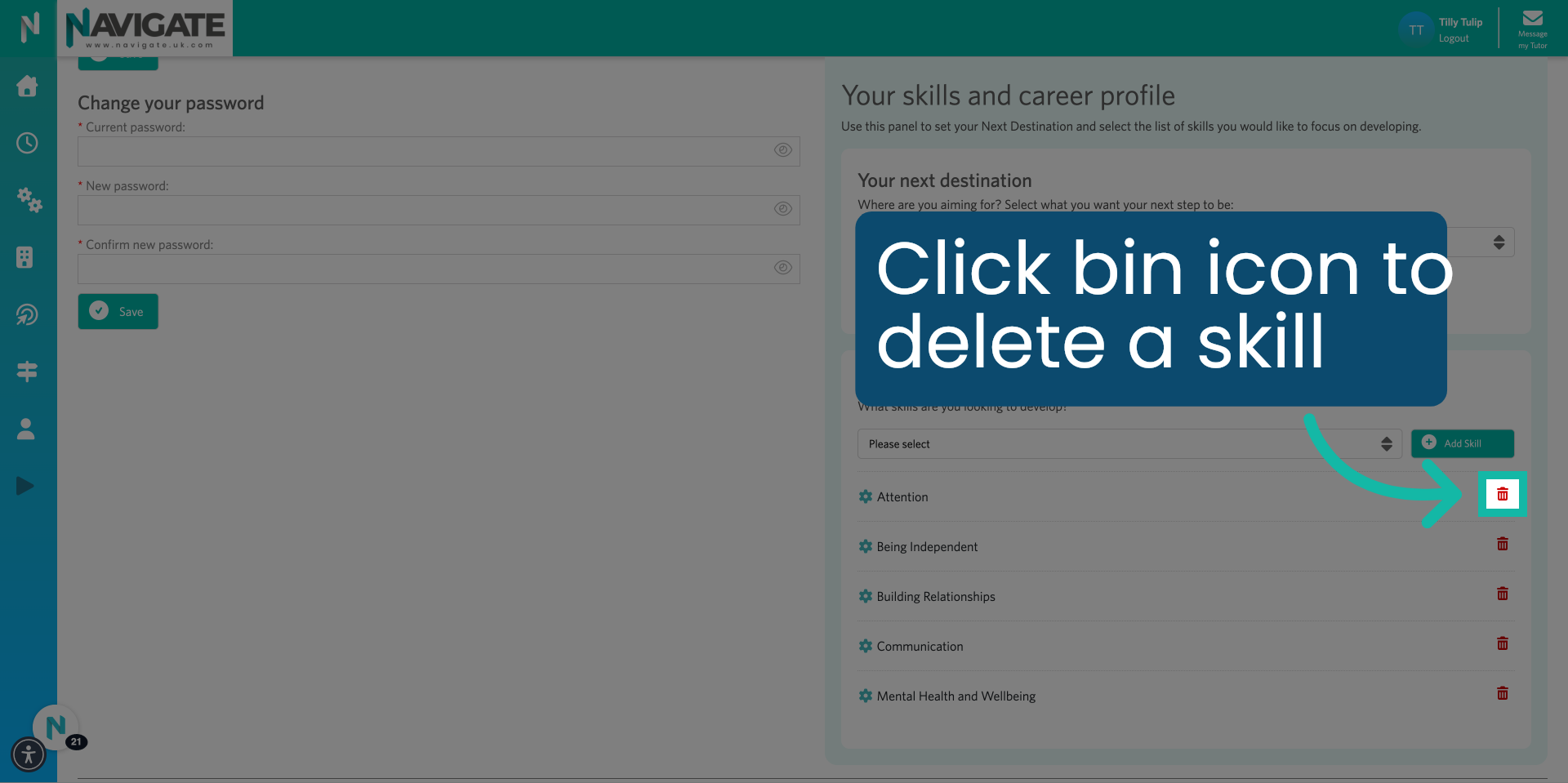
8. To delete a skill – Click the bin icon.
To remove a skill from the list, click on the bin icon next to the skill you would like to remove.
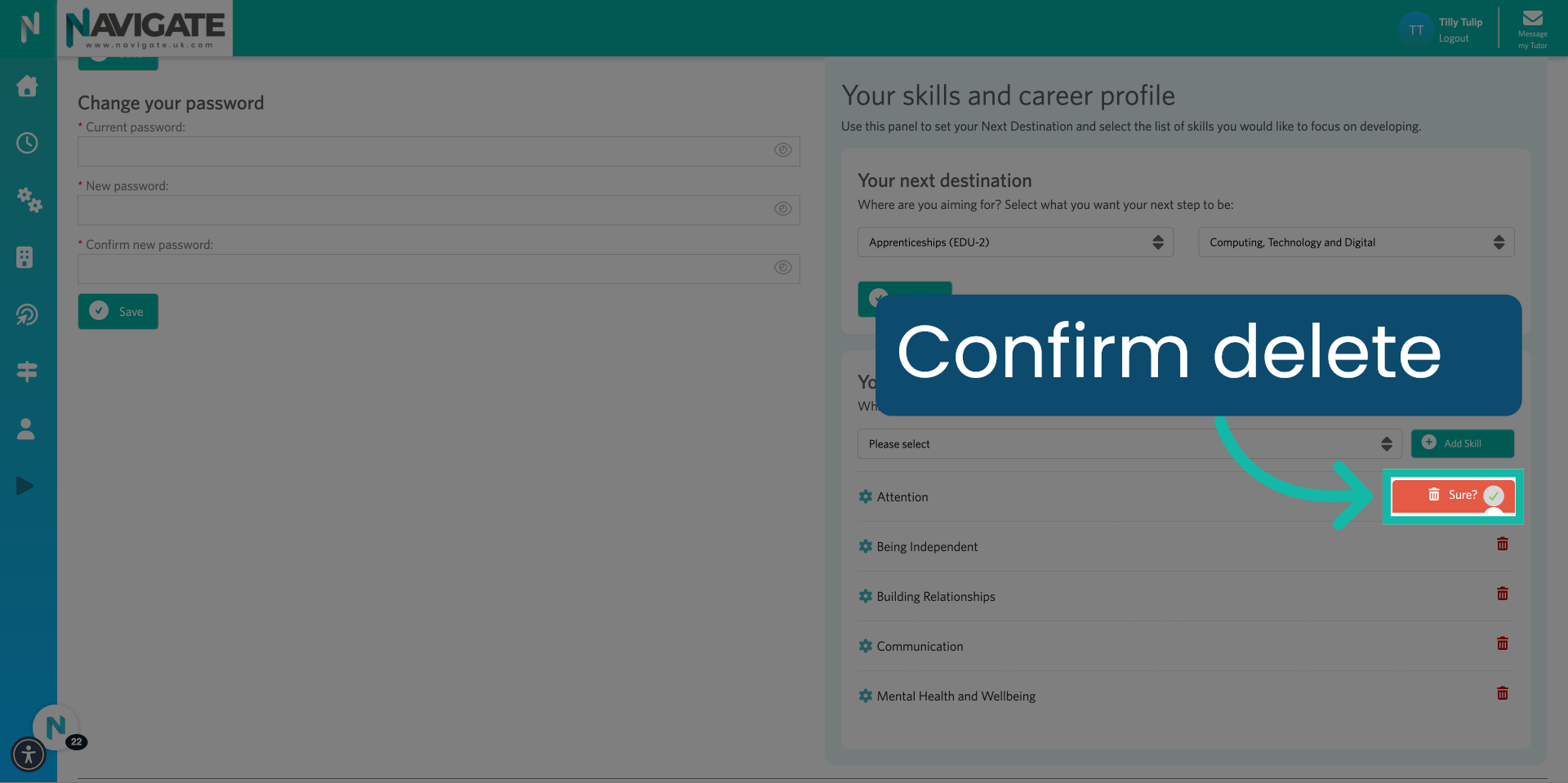
9. Confirm Delete
You will be asked whether you are sure you'd like to remove the skill.
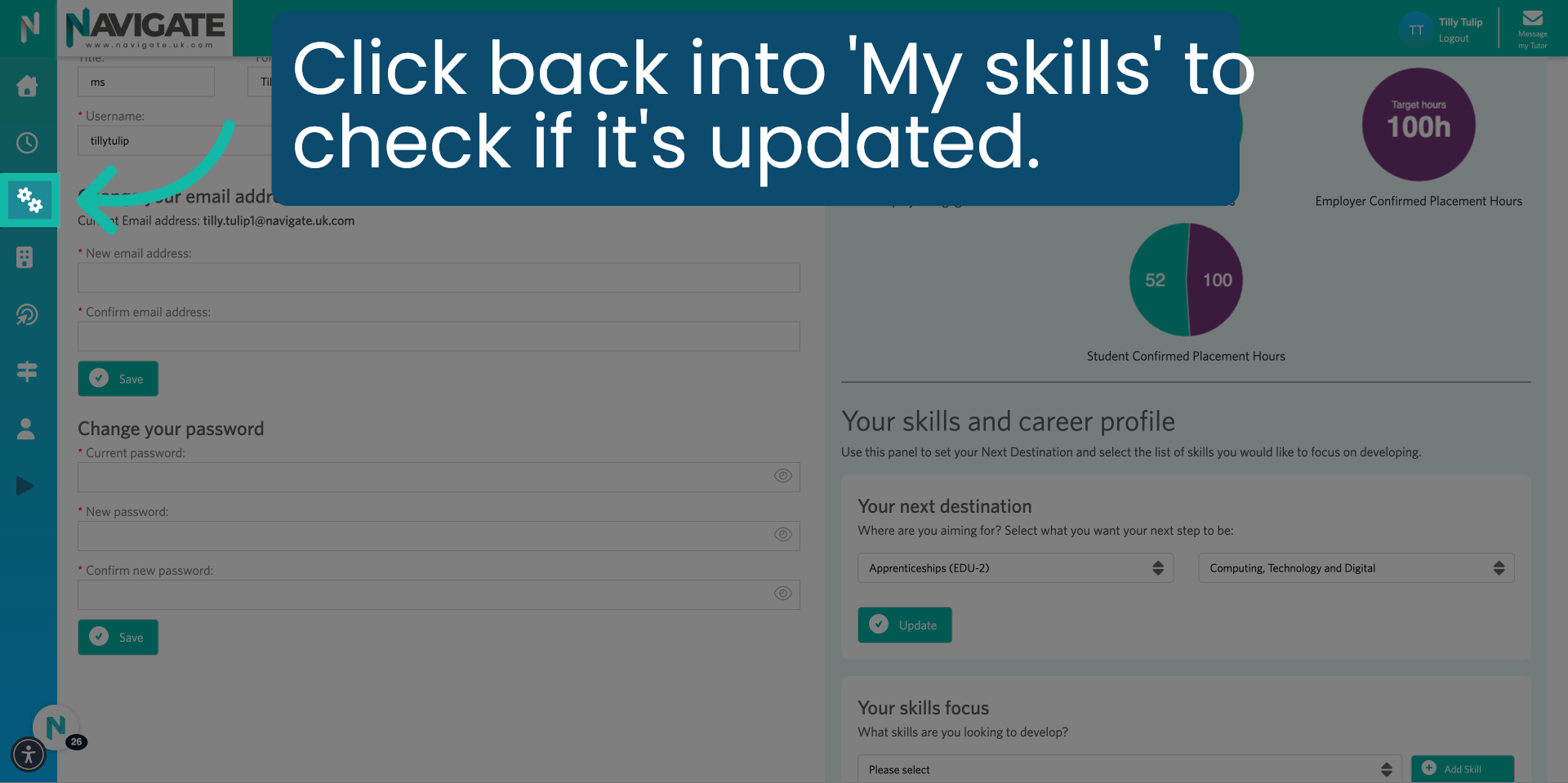
10. Click here
To check whether your skills focus list has been updated. Click into your 'My Skills' module.
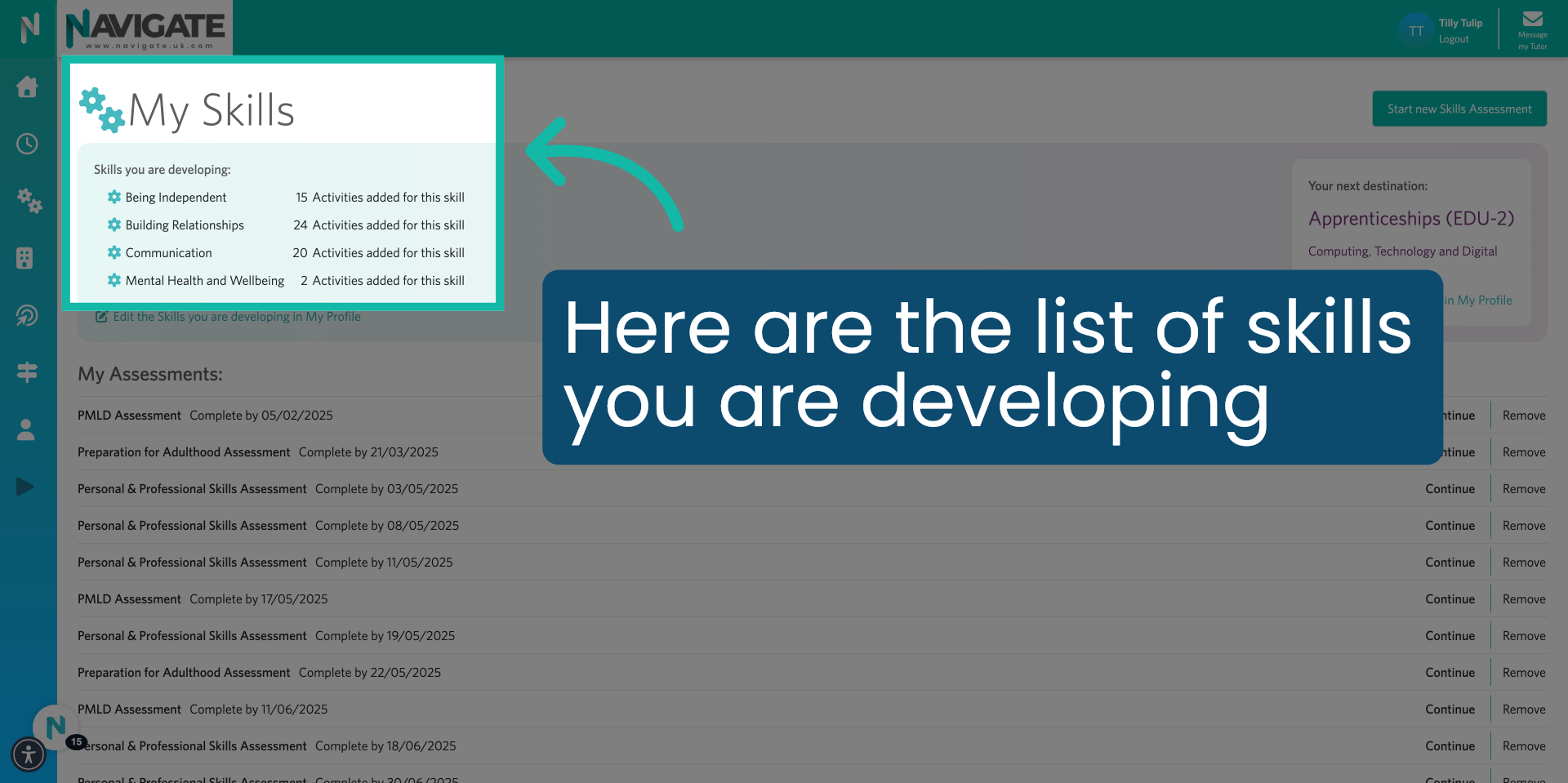
11. Click "Awareness"
You will be able to see your updated skills focus list on the top left of the page.