Go to login.navigate.uk.com
1. Introduction
Once you have logged in, you will see your navigate dashboard.
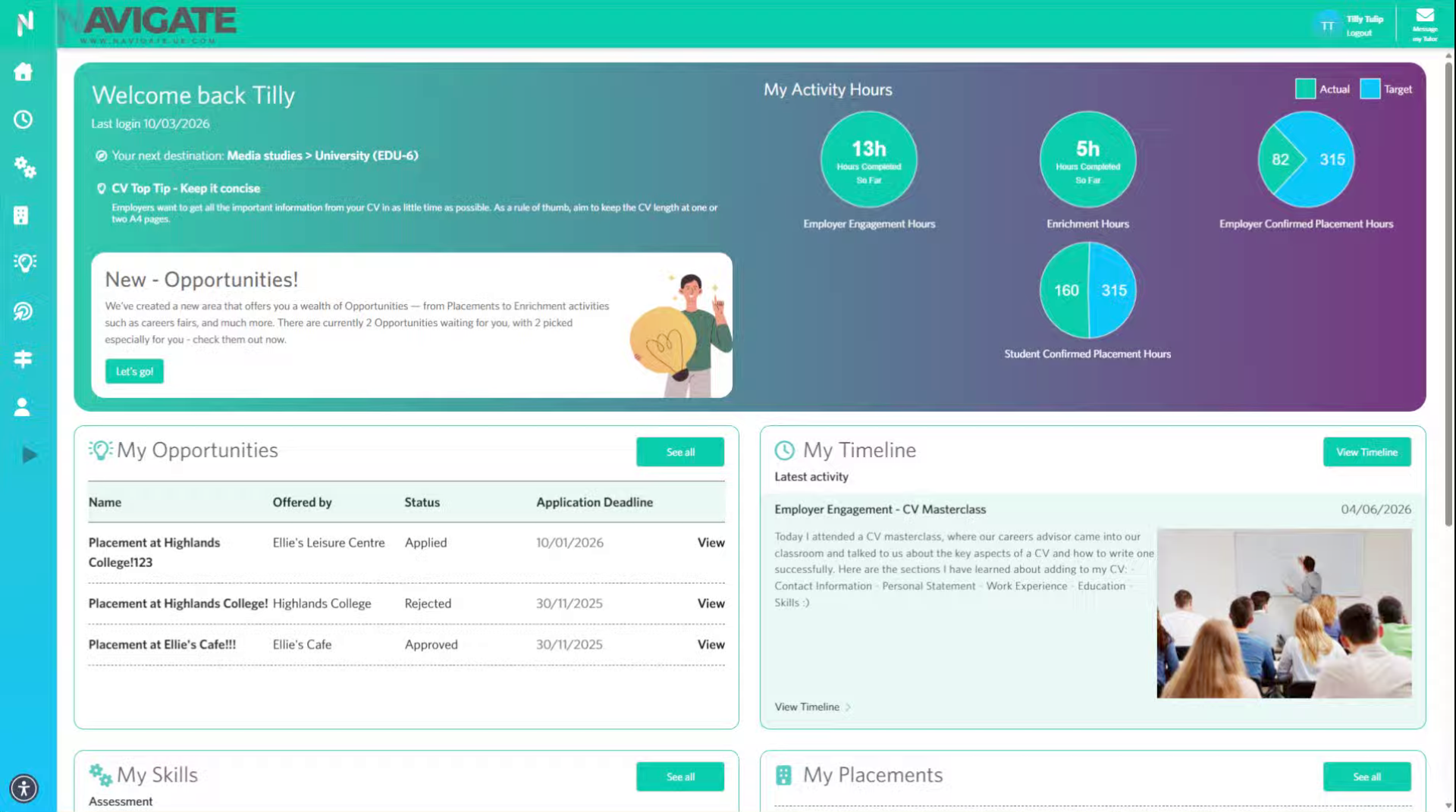
2. Expand module menu
Click here to expand the menu of necessary.
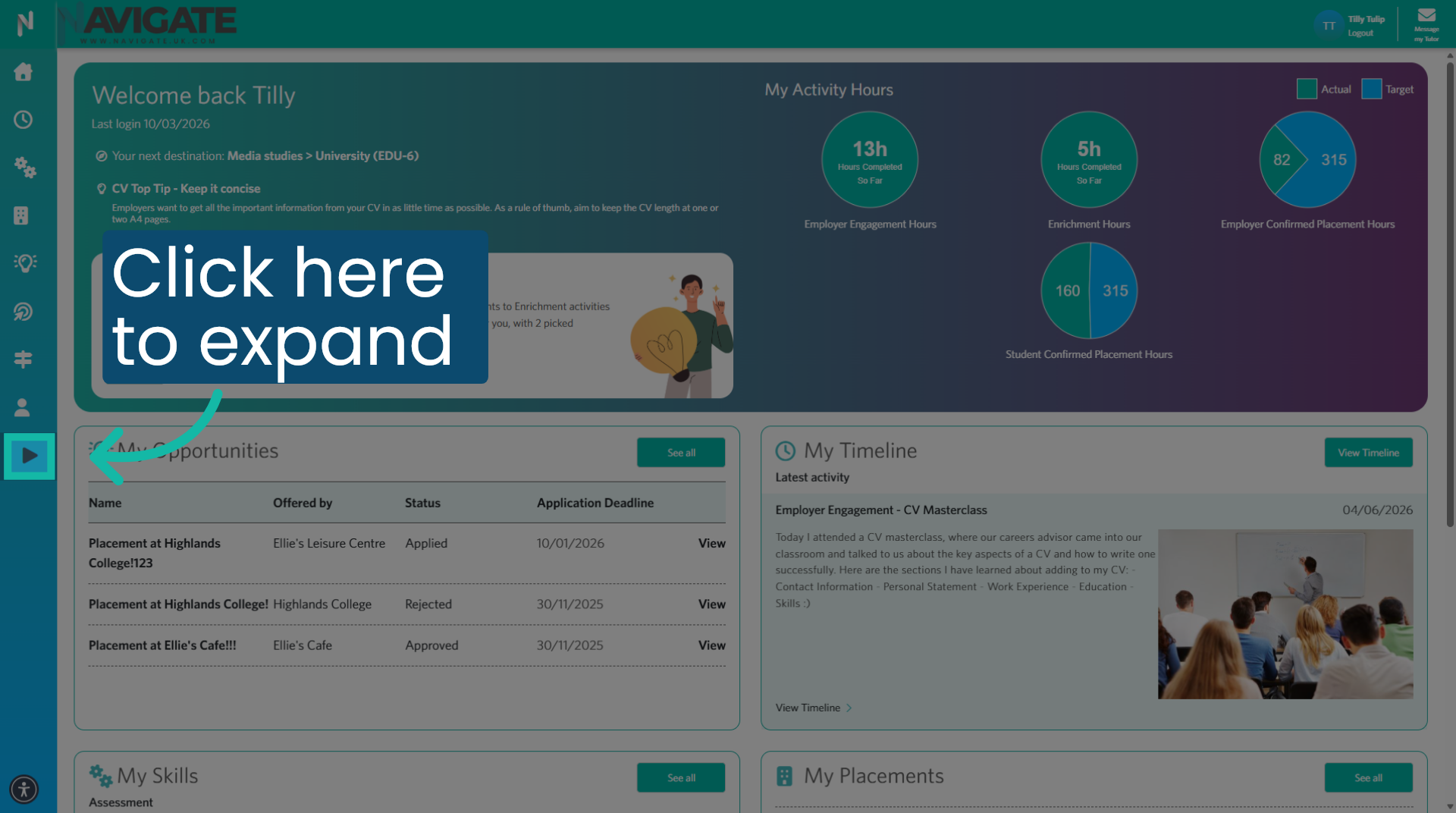
3. Open Profile
Then click profile to open your profile module.
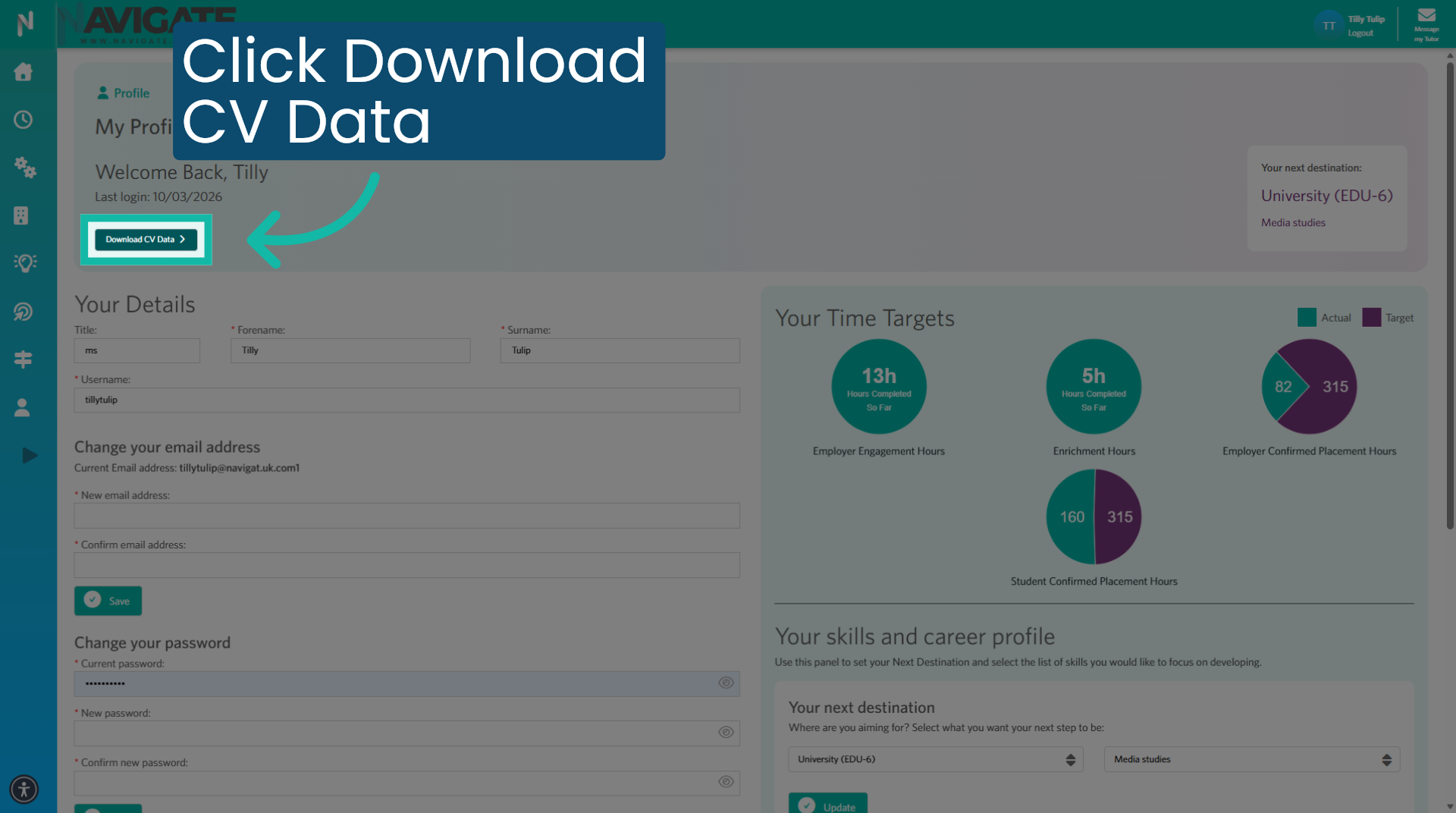
4. Download CV Data
Next, click download CV data to download a copy of your CV.
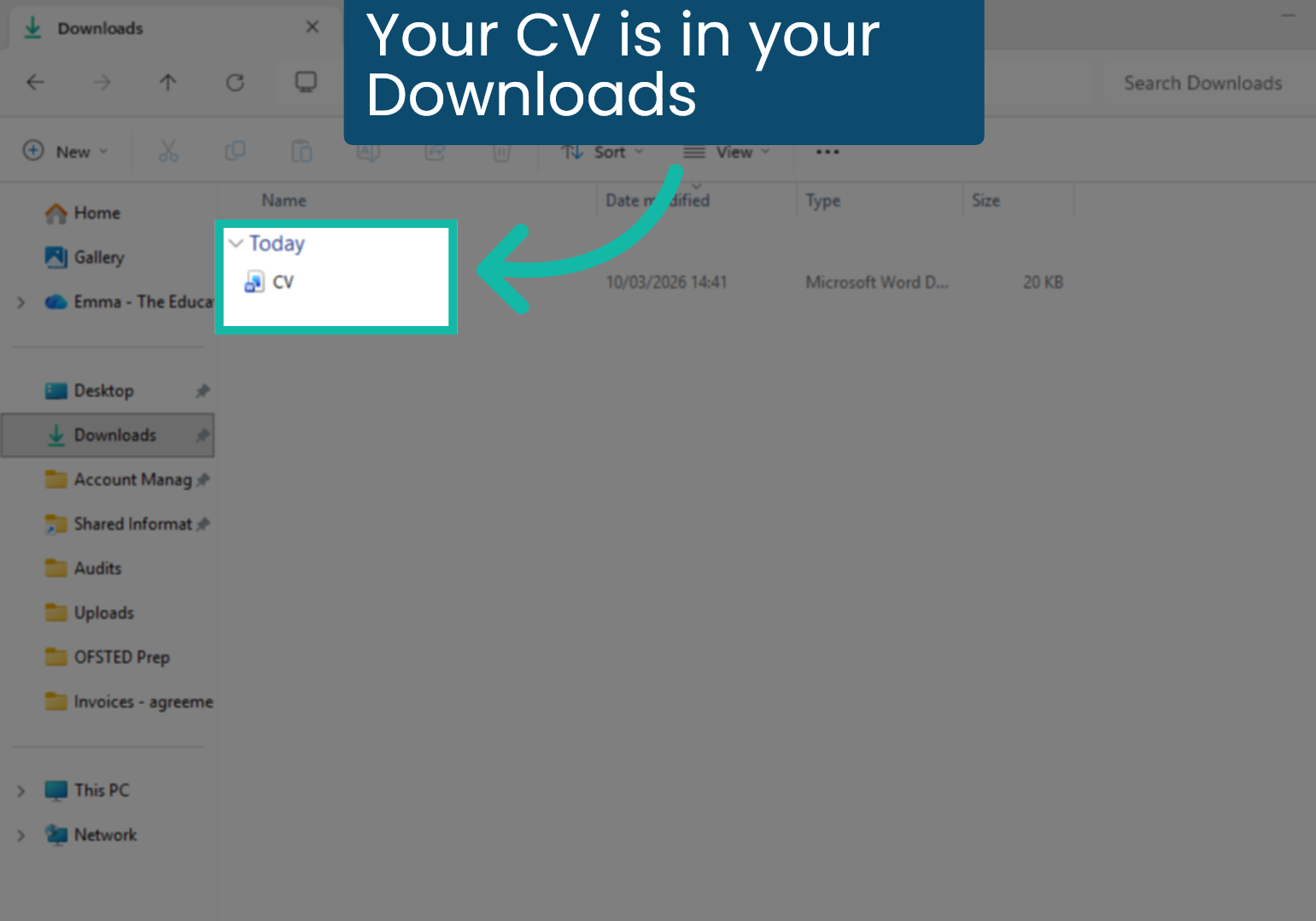
5. Your CV is in your Downloads
You can find the downloaded CV in your download folder.